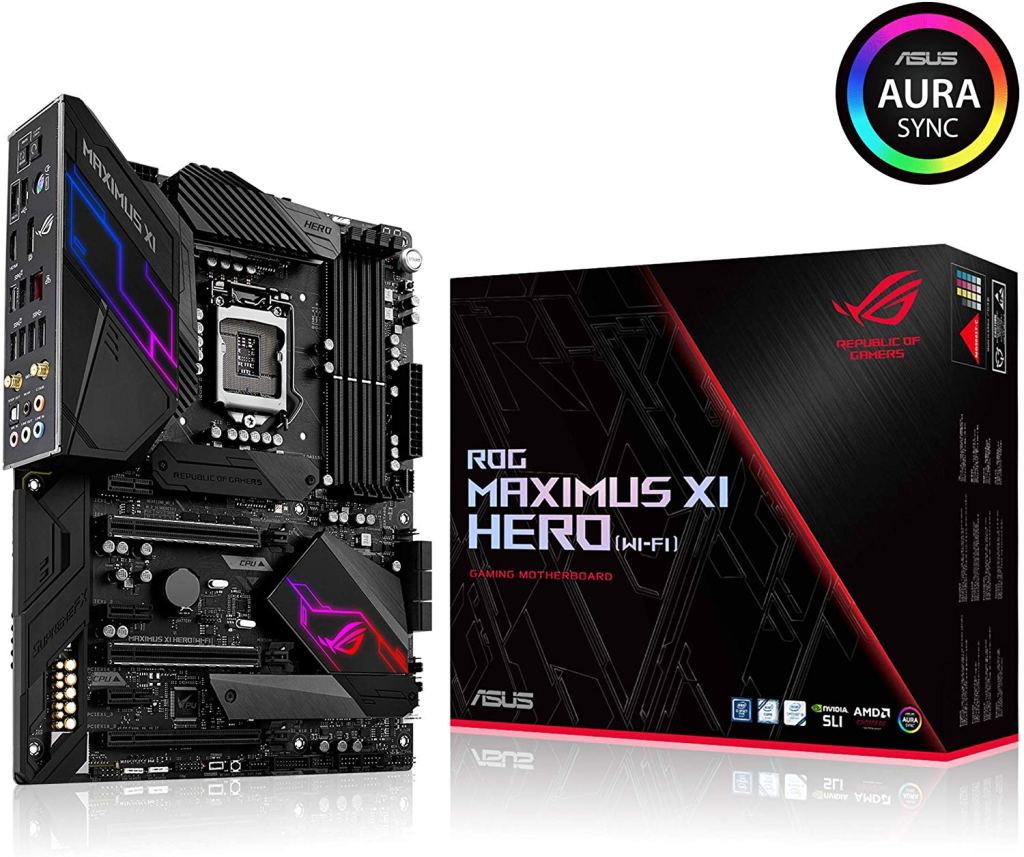
The ASUS ROG Maximus XI Hero WiFi comes with a silver and black theme. It’s a top-tier device so you’re sure to expect a ton of features packed in this amazing motherboard. It comes in your regular ATX form factor, though you can take note of the dynamic design language of the board that goes all the way from top to bottom, and is something that the Maximus series is widely known for.
The Maximus XI Hero WiFi stays in the regular ATX footprint but still provides you with a total of 4 memory sockets, dual M.2 sockets with built-in heatsinks, and twin-armored PCIe x16 slots that are specifically for the GPUs. The motherboard’s rear doesn’t have anything interesting on it, but it’s really nice that it’s sleek and clean. The motherboard has the 8 + 2 + 2 Extreme Engine Digi+ VRM supply, and it also makes use of the micro-fine alloy chokes, as well as the 10,000-hour rated metal black capacitors.
All ROG motherboards guarantee high-quality overclocking, as well as the best stability on unlocked 8th and 9th generation processors. The company themselves state that the motherboards provide 5GHz+ overclocking capacities across all the eight cores, utilizing their AI-assisted overclocking technology with the 5-way optimization.
Top of the Board
At the top portion of the board, you’ll see Intel’s LGA-1151 socket center and front with a really nice ROG socket cap, one 10-phase VRM encircling the left and top sides of the socket; a 4-pin fan header is found next to the M.2 socket that is kept beneath the heatsink just under the socket.
Just like every other ROG boards, the accessories included in the Maximus XI Hero WiFi’s package are quite immense. You’ll get the user guide, a 20% coupon to the site CableMod.com which is good for a collection of cables or extensions that are customized based on your preferences and specific power supply. Additionally, you’ll also get a free coaster with the package. The usual SATA cables are present, but you’ll also get stuff like M.2 screws, a couple of RGB extension cables, the ASUS Q-Connector, an HB SLI Bridge, Wi-Fi antenna, and the ROG case badge that’s inside the drive disk sleeve.
 Tech-Onpoint